Consistent brand context
Adjust tone, vocabulary, and style during review so future generations need less polish.
Instagram workflow
Brightwave automates the workflow around organic Instagram content: generate brand-aware concepts, select the work to publish, schedule posts, and monitor performance from one dashboard.
For ecommerce operators who want a steadier flow of organic creative without separating production from reporting.
Overview
The process starts with your website, giving Brightwave context about the product, audience, vocabulary, and style before it produces content.
Your team can work with generated concepts, real footage, product photography, or UGC. A swipe-based review step keeps selection fast while preserving direct control over what gets published.
Once posts are running, engagement, follower growth, and performance by format are available in the same place. Those signals make the next round of content choices more informed.
What matters
Adjust tone, vocabulary, and style during review so future generations need less polish.
Use generated work on its own or bring in existing footage, UGC, and product shots for Brightwave to reshape.
Review content performance by format alongside engagement and follower growth to clarify what should be made next.
Workflow
Keep context, creative selection, publishing, and measurement connected.
Start with your website, then refine tone, vocabulary, and style as the team reviews generated work.
Generate posts from trending formats and incorporate existing footage or product assets where they strengthen the idea.
Keep concepts that fit the brand, skip the rest, and move the selected work into the calendar.
Compare account and format performance before deciding which directions to remix or replace.
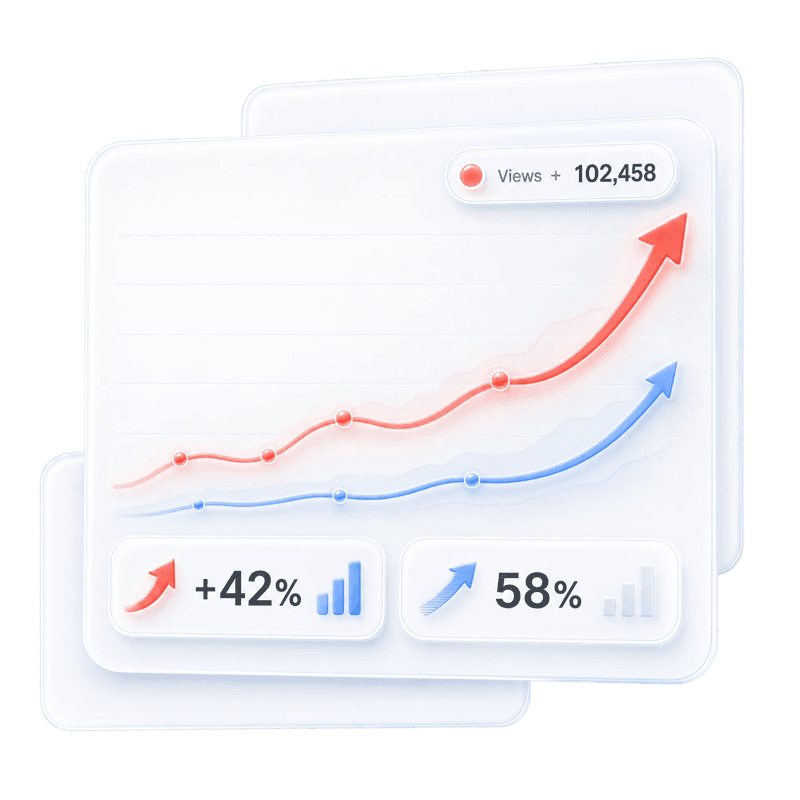
Published dashboard example
“2,081,200 views this week with 284% growth.”Brightwave results dashboard
FAQ
Yes. Brightwave can connect existing Instagram accounts alongside Brightwave-managed accounts so they can be viewed in one dashboard.
Brightwave learns from your website, and your team can adjust tone, vocabulary, and style. The product learns from edits so later posts need less polish.
Yes. Brightwave can cut your footage, product shots, or UGC into posts or blend those assets with generated content.
Use engagement rates, follower growth, and content performance by format in the dashboard to compare results and guide the next batch.
Pre-launch access
Take the short quiz to reserve your Brightwave waitlist spot.